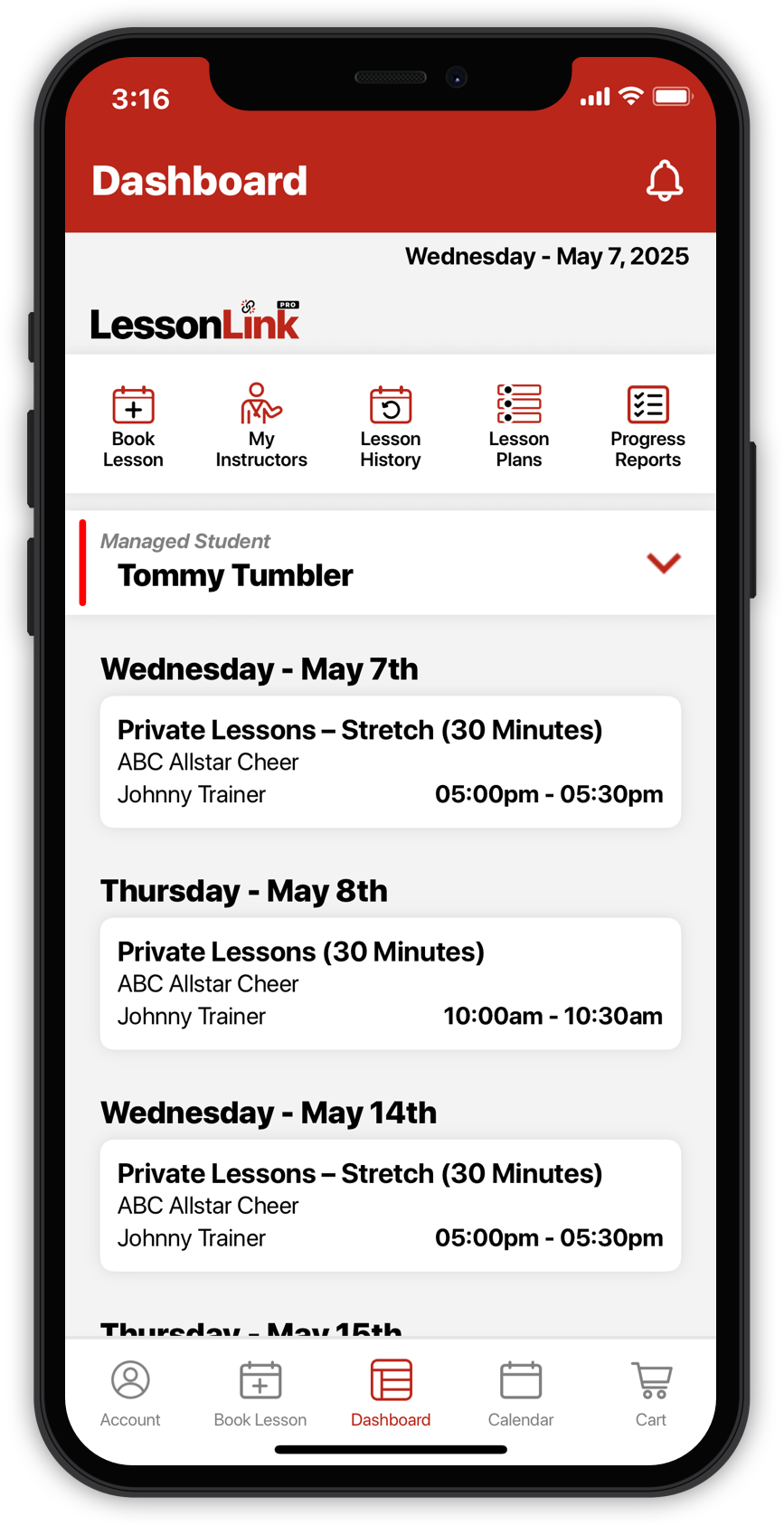
This business uses the LessonLink Pro mobile app to manage private lesson scheduling. Book lessons, track progress, and manage everything — right from your phone.
Private Lessons Made Easy
Get started booking lessons with your instructor:
Download the LessonLink Pro app using one of the QR codes below.
Create an account:
Choose from the following account types:
Parent or Guardian — For managing students under 18. You’ll create your account and add your student(s) during setup.
Student — For adults age 18 and older creating their own account.
Find your instructor:
Go to the “My Instructors” tab and search by name. Some instructors require approval before booking. If prompted, tap “Link with Instructor” to connect.
Book your lesson:
Tap “Book Lesson,” choose your instructor and lesson type, pick a time, and proceed to checkout.
We use cookies to ensure that we give you the best experience on our website. If you continue to use this site we will assume that you are happy with it.